
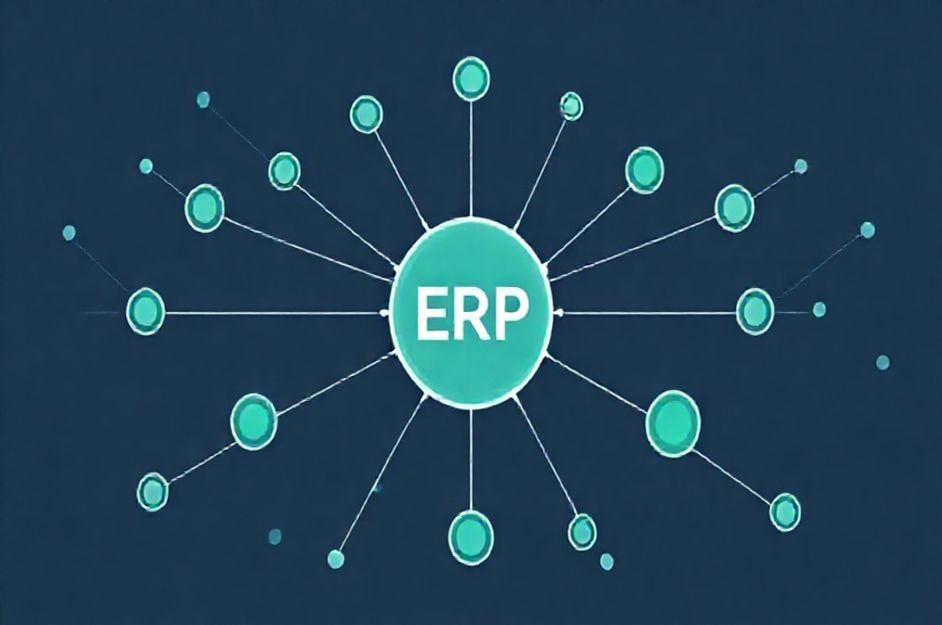
Enterprise Resource Planning (ERP) systems integrate diverse data sources and processes into a unified system, streamlining operations and enhancing decision-making. These systems, relying on both hardware and software, are typically implemented by large enterprises seeking comprehensive system integration. A central component of most ERP systems is a unified database, storing essential information for each system module.
Key Components of a Successful ERP System:
1. Unified Database: A centralized database grants the ERP system access to all enterprise data, facilitating seamless information sharing and coordinated operation across departments. This ensures data is readily accessible, reliable, and consistent.
2. Modular Software Design: ERP systems utilize modular software, enabling the addition or removal of functionalities to optimize efficiency and tailor the system to specific business needs. While some vendors offer complete ERP software suites, many enterprises opt to integrate software from various providers to achieve maximum efficiency. Each module must interface with the central database for seamless data exchange.
Where are ERP Systems Used?
ERP systems are best suited for large organizations with substantial data flow. While small and medium-sized businesses may not require a full-scale ERP, larger corporations, such as banks, manufacturers, and retail chains, can significantly benefit. Enterprises often segment their ERP systems into units like manufacturing, financials, and customer management to improve data sharing among relevant resources.
ERP Design and Implementation:
Implementing an ERP system, regardless of size, demands careful planning and design. Smaller systems may take months to prepare, while larger implementations can span a year or two. Larger corporations often engage ERP consulting firms, while smaller entities may utilize in-house teams to control costs.
A critical step is data migration, which involves six key steps:
1. Identify essential data.
2. Plan the migration timeline.
3. Build data templates.
4. Finalize data migration tools.
5. Determine data migration setups.
6. Archive necessary data.
Advantages of ERP Systems:
ERP systems offer several advantages, including enhanced data transfer, improved security through built-in safeguards, reduced operational costs, better customer service, and increased employee productivity.
Disadvantages of ERP Systems:
Potential drawbacks include high implementation costs, limited software customization options, and the need for high-quality data input. Furthermore, ERP systems might be too complex for businesses with highly fragmented departmental structures.