
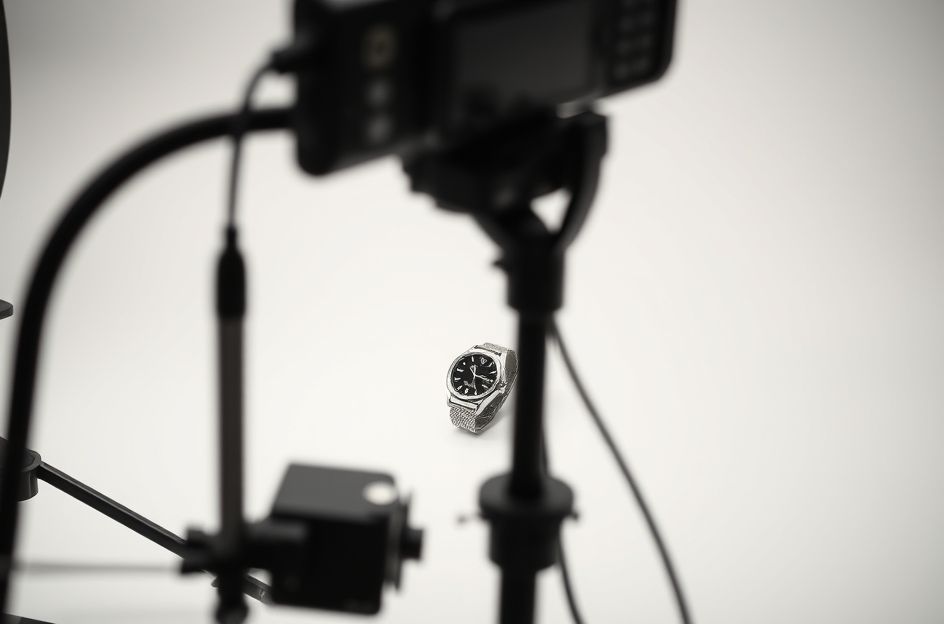
High-quality product photos are essential for success on eBay. They grab attention and showcase your items effectively. Here are 12 actionable tips to maximize your eBay product photos and boost your sales:
1. Camera Quality: You don’t need an expensive camera. Any digital camera capable of producing a 640×480 pixel image will suffice. The key is clarity, not resolution.
2. Camera Ergonomics: Before purchasing, ensure the camera feels comfortable in your hand. The controls should be intuitive, and transferring photos to your computer should be seamless. Ensure it can focus at a close range (four inches or less).
3. Image Size: For basic photos, the smallest size setting is fine. However, if you plan to crop or use eBay’s picture services, opt for at least 1024×768 pixels.
4. Disable the Flash: Avoid using your camera’s built-in flash. It creates harsh glare and flattens the image, making your product look less appealing. Natural or diffused lighting is preferable.
5. Use Macro Focus: Employ your camera’s “Macro Focus” feature (usually indicated by a tulip icon) for detailed close-ups. This highlights textures and intricate details.
6. Master Lighting: Lighting is paramount in product photography. Control the strength, size, position, and color of your light source. Understanding your camera’s “white balance” settings (e.g., light bulb for indoor, sun for outdoor) is also important for accurate colors. Preset white balance to match your lighting conditions (daylight, shade, tungsten, fluorescent).
7. Adjust Exposure: Use the “Exposure Control” (EV) to correct overly bright or dark photos. A positive EV value lightens the image, while a negative value darkens it.
8. Use a Tripod: A tripod stabilizes your camera, preventing blurry photos, especially in low-light conditions. This ensures sharper, more professional-looking images.
9. Shoot at an Angle: Photograph your products from various angles to provide a comprehensive view. Avoid straight-on shots, as they can appear flat and uninteresting.
10. Multiple Photos: Take several photos of each item. For clothing, include a full-length shot, a photo of the tag (size, fabric content, brand), and close-ups showcasing texture and any details or imperfections.
11. Edit Your Photos: Use photo-editing software to make final adjustments to brightness, contrast, and sharpness. Basic edits can significantly enhance the overall appearance of your photos.
12. Host Images Yourself: Host your images on your own website or a third-party image hosting service. This saves you money on eBay’s picture fees and allows you to use as many photos as needed. While simple, approximately 70% of eBay sellers neglect this strategy.
Implementing these simple photography tips can noticeably improve your eBay listings. Better photos attract more buyers and lead to increased sales. Start improving your photos today!