
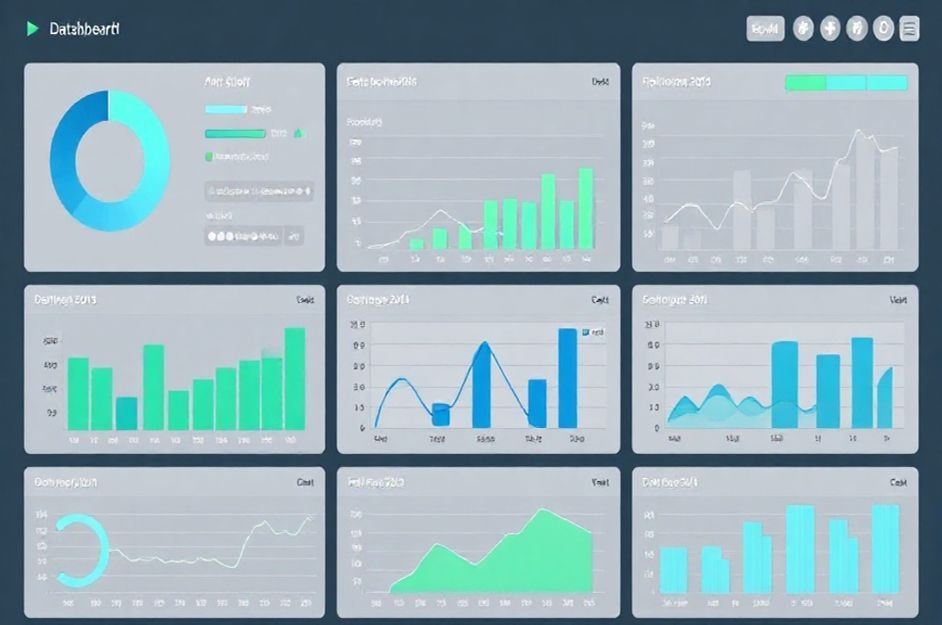
While Microsoft’s PowerPoint offers a variety of graph types, selecting the right one is crucial for conveying your data effectively in presentations. Not all graph styles are suitable for the low-resolution environment of computer-based presentations. Here’s a guide to using pie, bar, and line graphs for maximum impact.
**Pie Graphs: Illustrating Proportions**
Pie graphs excel at showcasing proportions and shares of a whole. They visually represent how much each element contributes to the total. While easy to create and visually appealing, pie graphs are often misused when actual amounts need to be highlighted. Limit the number of slices to five or fewer for optimal comprehension. If your story involves numerous minor contributors, group them into an “Others” category.
**Bar Graphs: Comparing Amounts**
Bar graphs are ideal for comparing the relative sizes and absolute amounts of different segments. They use a y-axis to delineate units of measure, allowing for clear comparisons between elements and representation of absolute values. Variations like stacked bar graphs and 100% bar graphs exist, but simpler designs are generally more effective in presentation settings.
**Line Graphs: Displaying Trends Over Time**
Line graphs effectively communicate trends and progressions over time. The audience instinctively interprets the y-axis as volume or quantity, with upward movement indicating an increase, and the x-axis as a timeline, with left-to-right movement representing positive progression. Use line graphs to showcase changes in data points across time, aligning with audience expectations.
**Data Labels: Enhancing Clarity**
Graphs simplify complex information, but they work best when integrated with clear labels, numbers, and images. Label elements directly on the graph whenever possible, avoiding legends which require extra effort from the audience. Ensure labels don’t clutter the graph’s overall visual clarity.
When using multiple graphs, avoid overwhelming the audience with excessive data. In some cases, the size of the data elements is sufficient to convey the story without additional numbers. Consider creating “reference slides” containing detailed data and linking them to the main presentation slides, providing additional information for those who require it.