
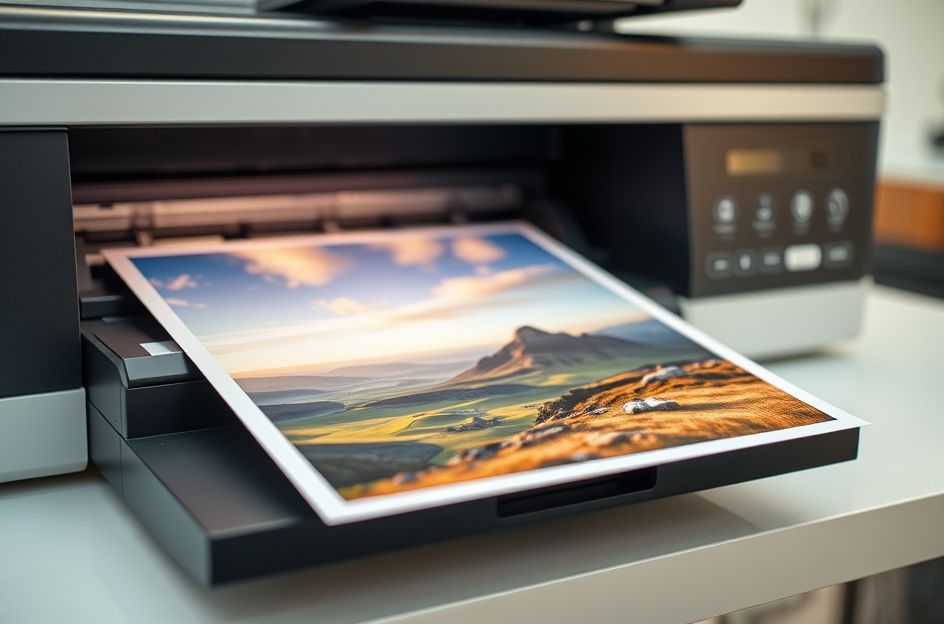
Printing your digital images allows you to preserve memories and create tangible keepsakes. Instead of confining your photos to a computer, printing allows you to frame your work or build physical collections. While seemingly straightforward, achieving high-quality prints requires understanding several key factors.
Digital imaging printing excels at producing photo-quality images. The key to evaluating a printer’s suitability lies in its DPI (dots per inch). A minimum of 300 DPI is generally considered necessary for photo-quality prints. DPI refers to the number of ink dots within a square inch, directly impacting image smoothness. Lower DPIs can result in visible dots, while higher DPIs create smoother, more detailed images. While 150 DPI is the absolute minimum, aim for 300 DPI for excellent results.
Beyond the printer itself, the paper significantly impacts print quality. For optimal results, use name-brand photo papers from reputable manufacturers like Kodak or Fuji.
Thermal printers offer an alternative. They utilize a color ribbon containing Cyan, Magenta, Yellow, and Black (CMYK) inks. By applying heat to each color on the ribbon, the printer accurately reproduces the image onto photo paper. Thermal prints are known for their durability and resistance to smudging, often lasting longer than ink-based prints.
Understanding image resolution is crucial. The file size determines the maximum printable size without compromising quality. Pixel dimensions and printer resolution dictate the final print size. For example, a 2400 x 1800 pixel image printed on a 300 DPI printer yields an 8 x 6 inch print. Printing larger than this will reduce quality and cause pixelation.
Color matching between your screen and the printed output can be tricky. Monitors use RGB (Red, Green, Blue) color schemes, while printers often use CMYK. This difference can lead to discrepancies between the previewed image and the final print. Before printing, calibrate your monitor and ensure it aligns with your printer’s color profile.